Minerva · Staff Manual
Auto Timetable
Automatic timetable generation (OR-Tools solver): set up periods, rooms, workloads and constraints, generate, then fine-tune and publish. Includes daily substitution for absent teachers.
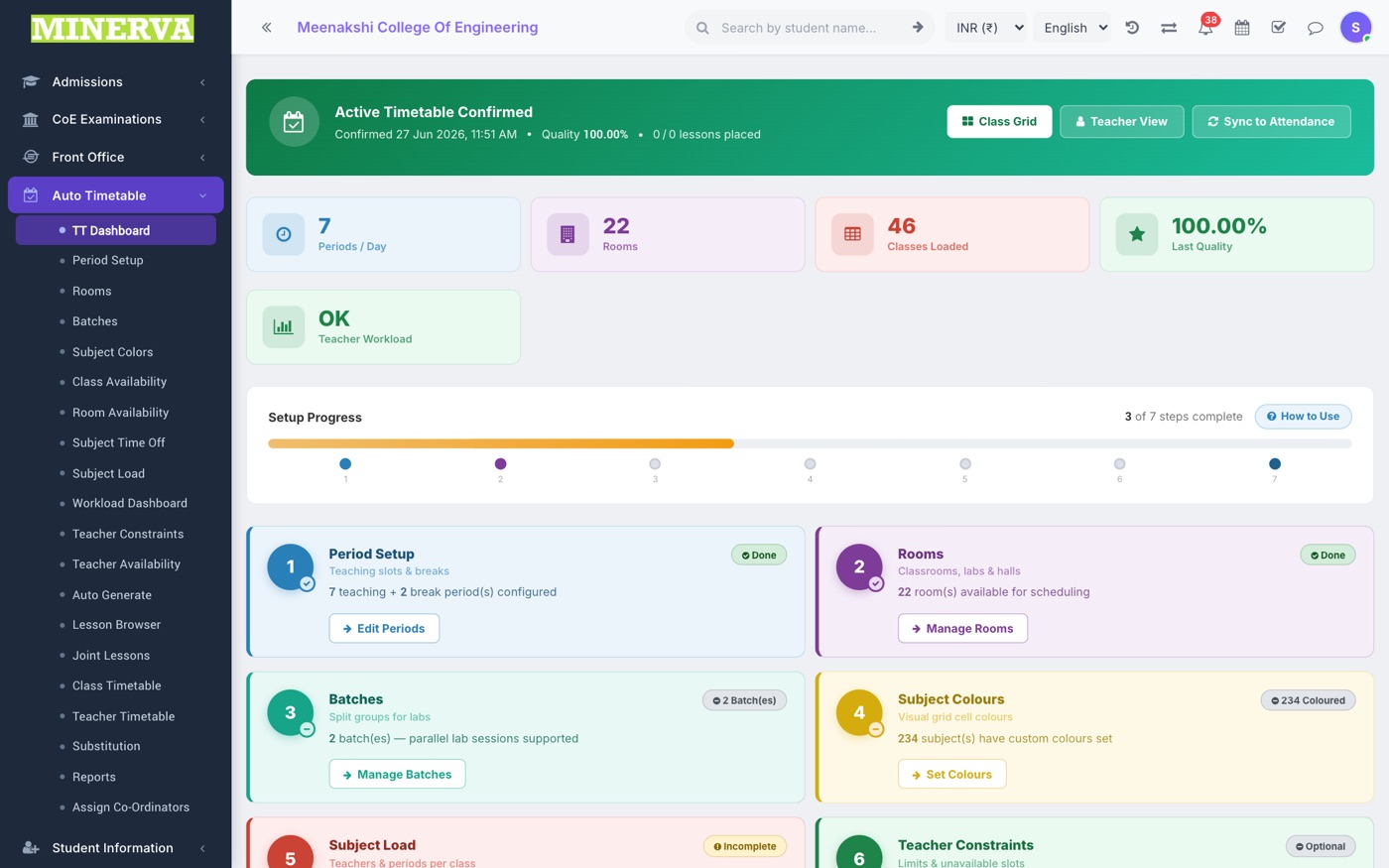
TT Dashboard
Setup progress and generation status for the active timetable.
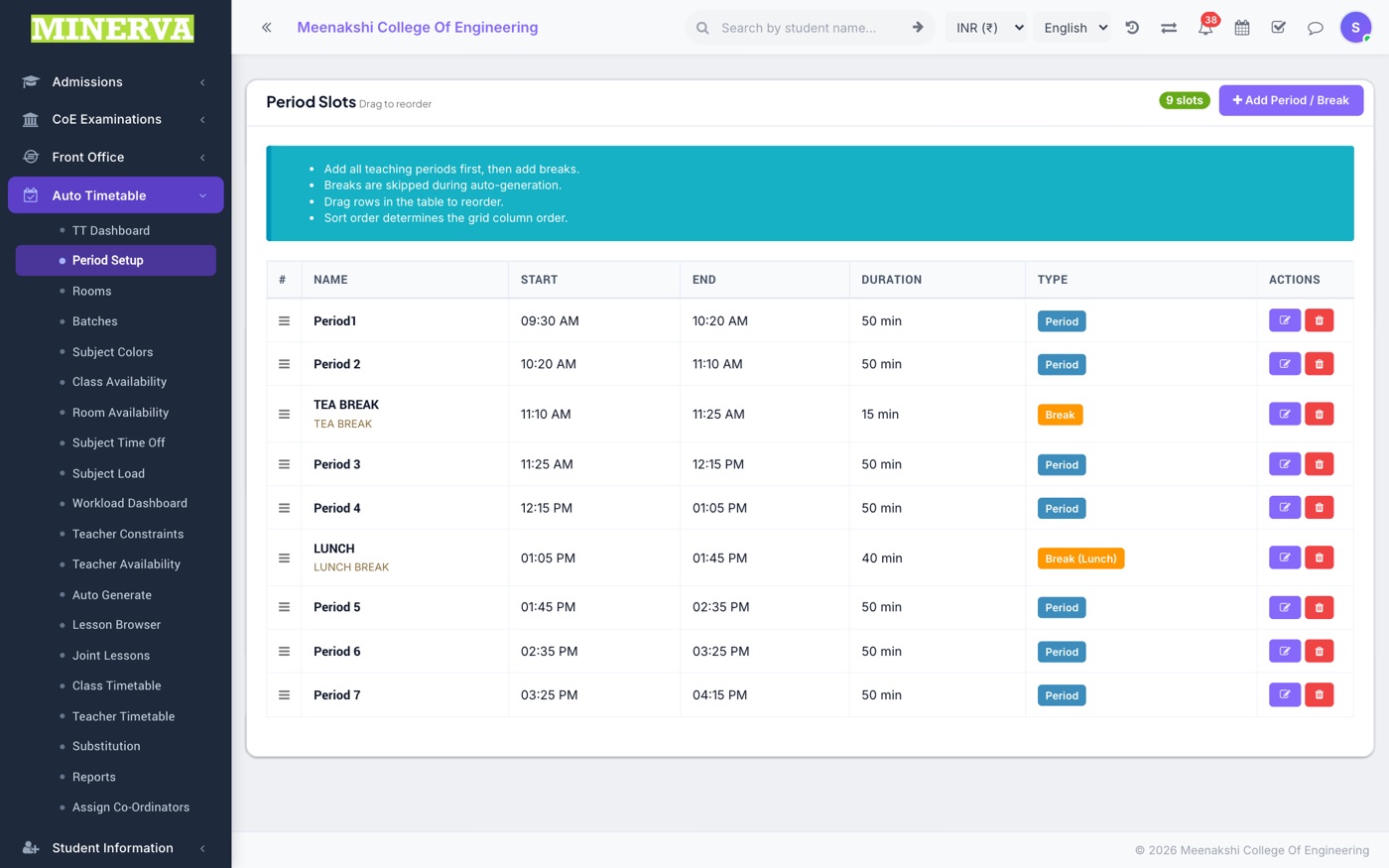
Periods, Rooms & Batches
Foundation data: the day/period grid, room list with capacities, and batches (class-sections) to schedule.
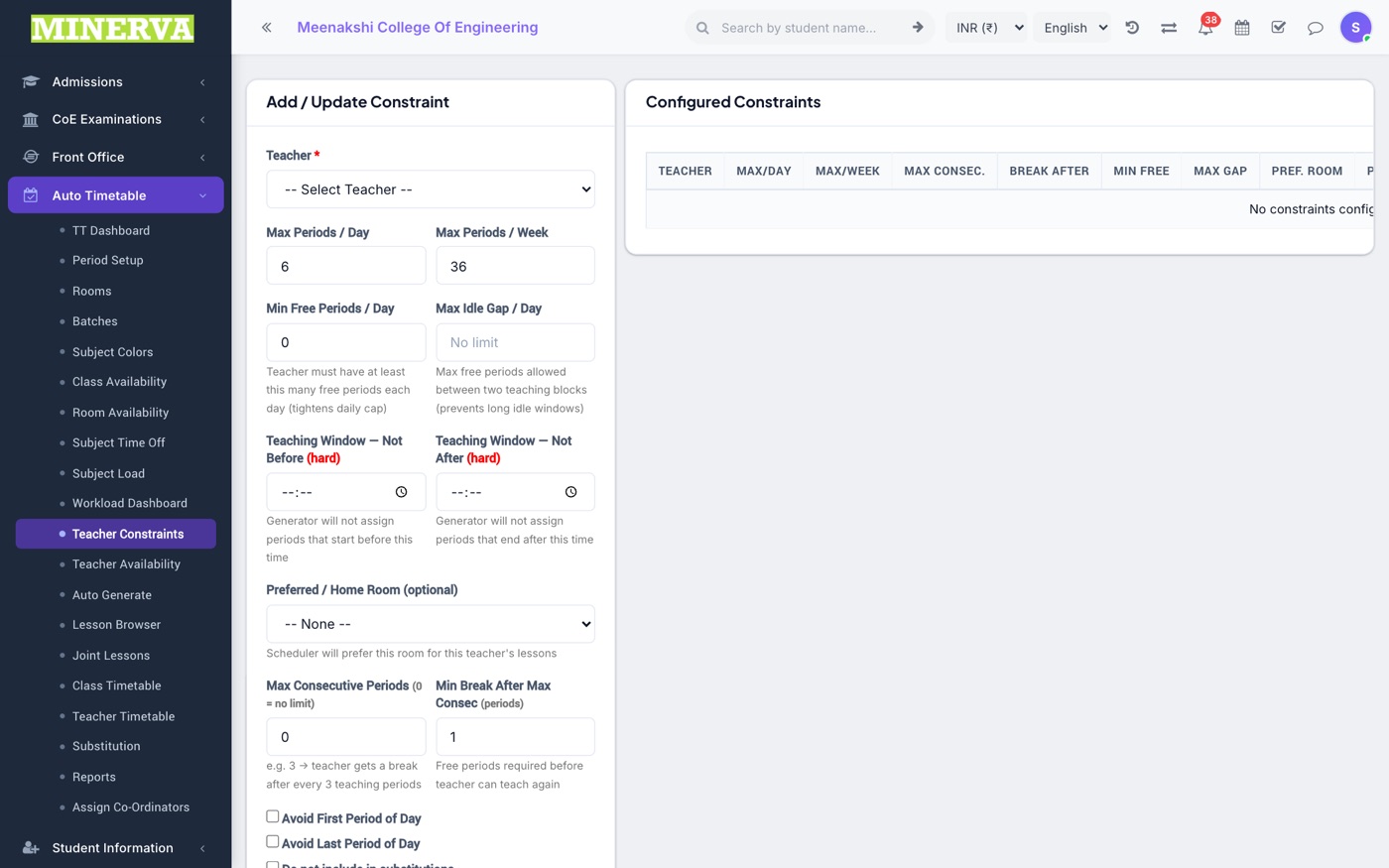
Availability & Constraints
Blackout slots per class, room, subject, or teacher, plus per-teacher constraints (max periods/day, preferred gaps).
- Open the relevant availability screen and click cells to mark slots unavailable.
- Set teacher constraints before generating — the solver honours them strictly.
Subject Load & Teacher Workload
How many periods each subject needs per week and who teaches it; the workload dashboard shows per-teacher totals.
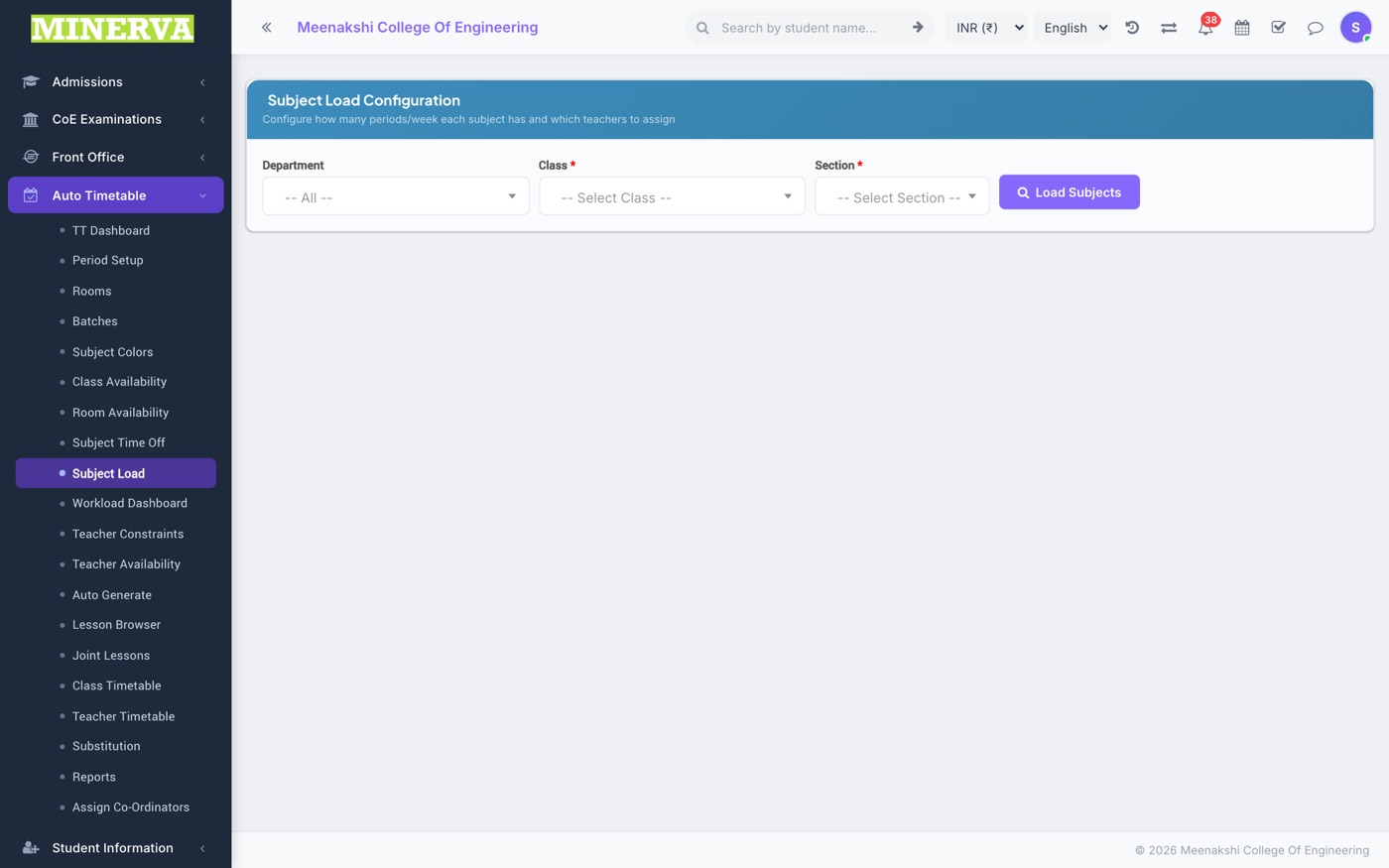
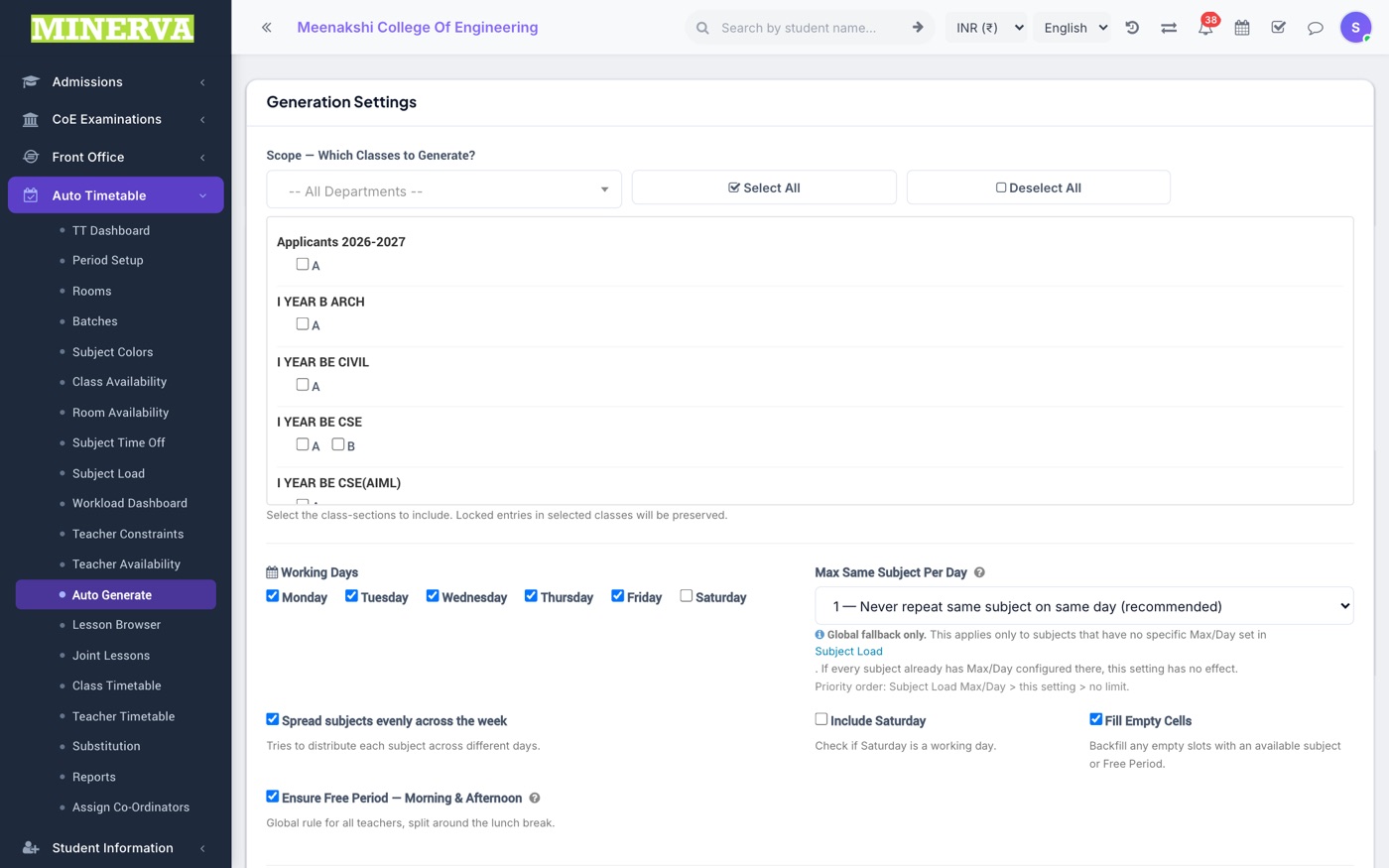
Auto Generate
Run the solver.
- Press Generate — the engine builds a clash-free timetable honouring all constraints.
- Review the result; re-run with adjusted constraints if needed, then publish.
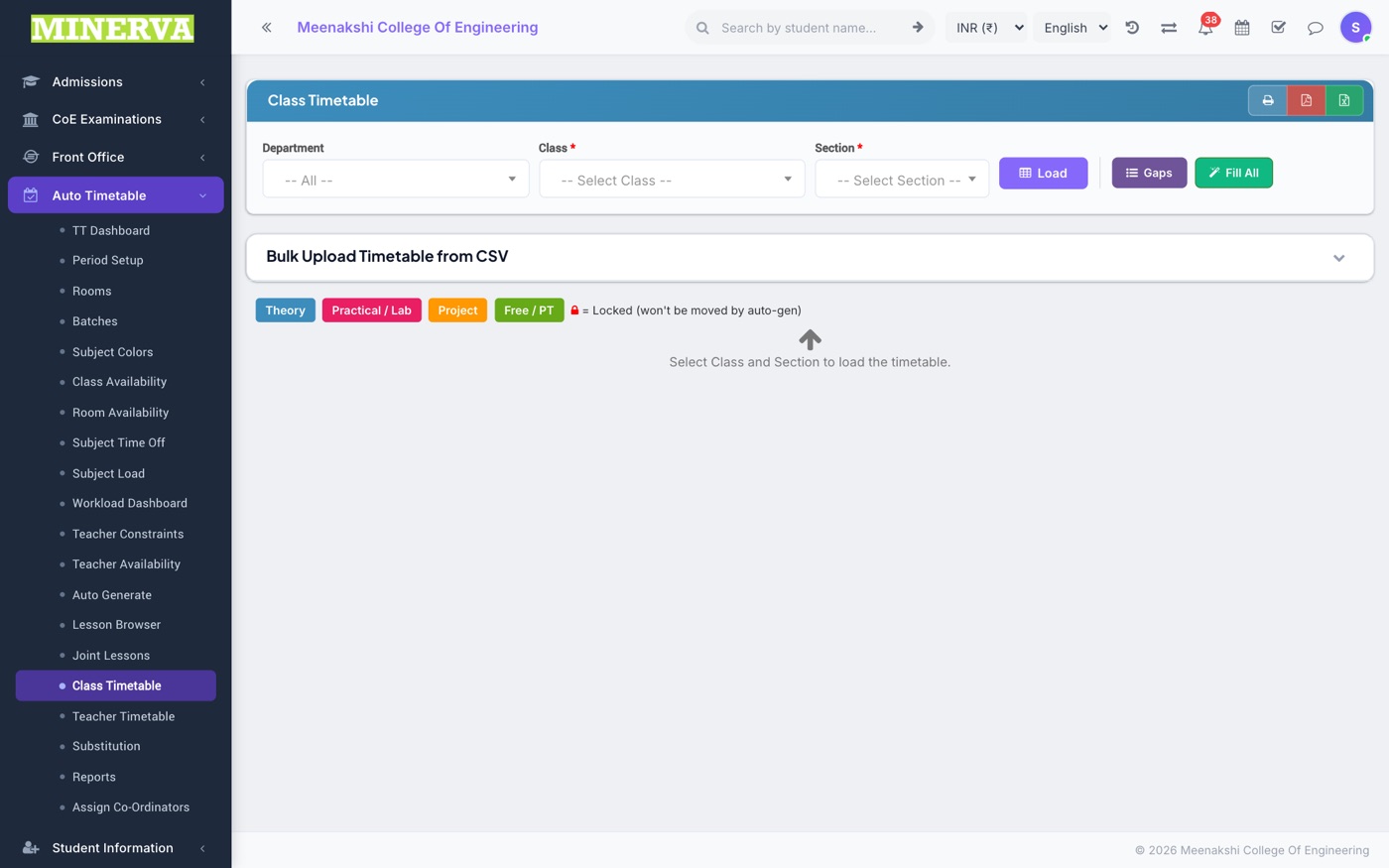
Class & Teacher Timetables
The generated grids per class and per teacher; the Lesson Browser lets you inspect and manually move individual lessons.
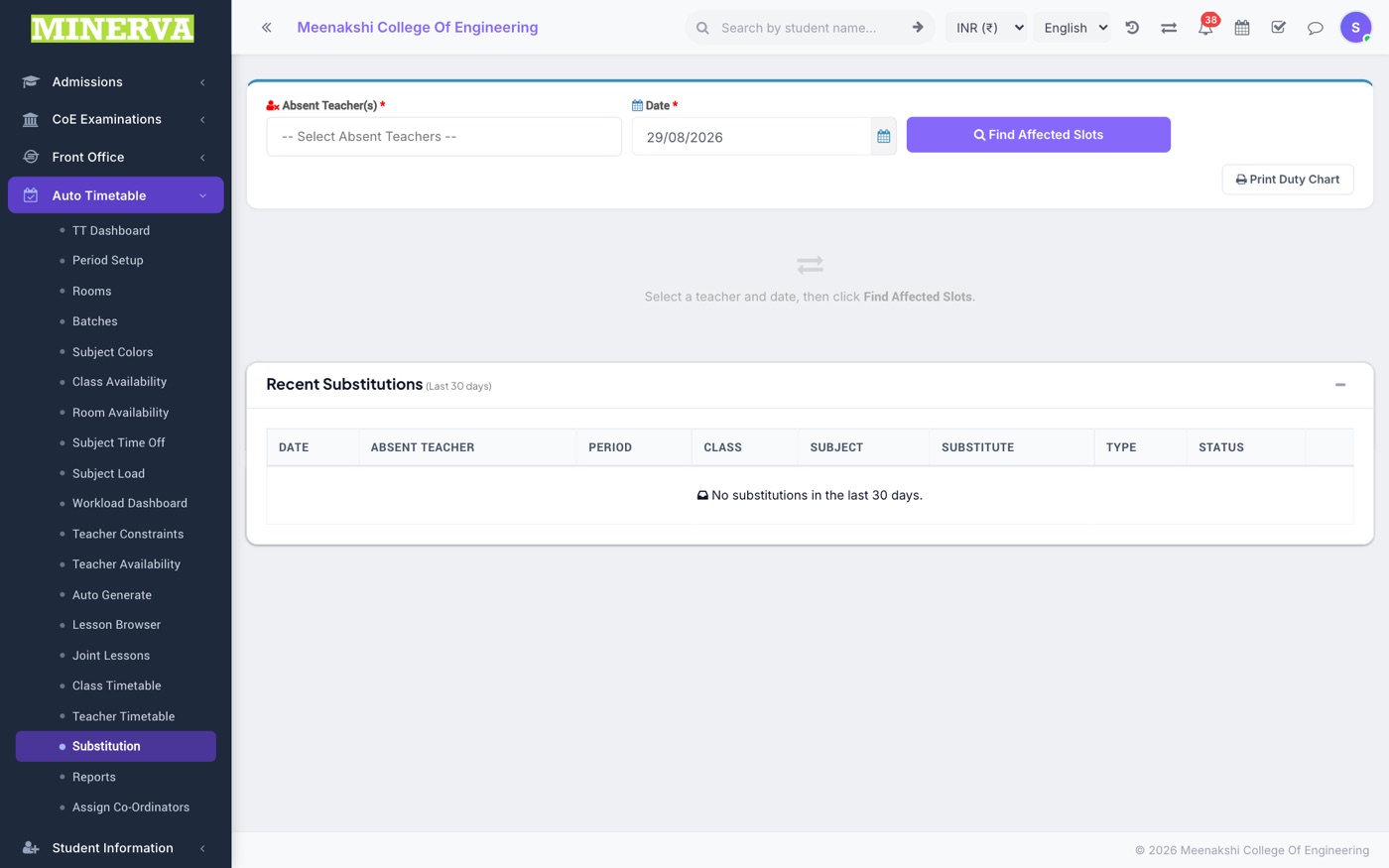
Substitution
Daily cover for absent teachers.
- Pick the date and the absent teacher(s) — the solver proposes free, qualified substitutes per period.
- Confirm to record the substitutions and notify the substitutes.