Minerva · Staff Manual
Examinations
Internal exams: groups, schedules, marks, grades, and printable admit cards & marksheets (distinct from CoE end-semester exams).
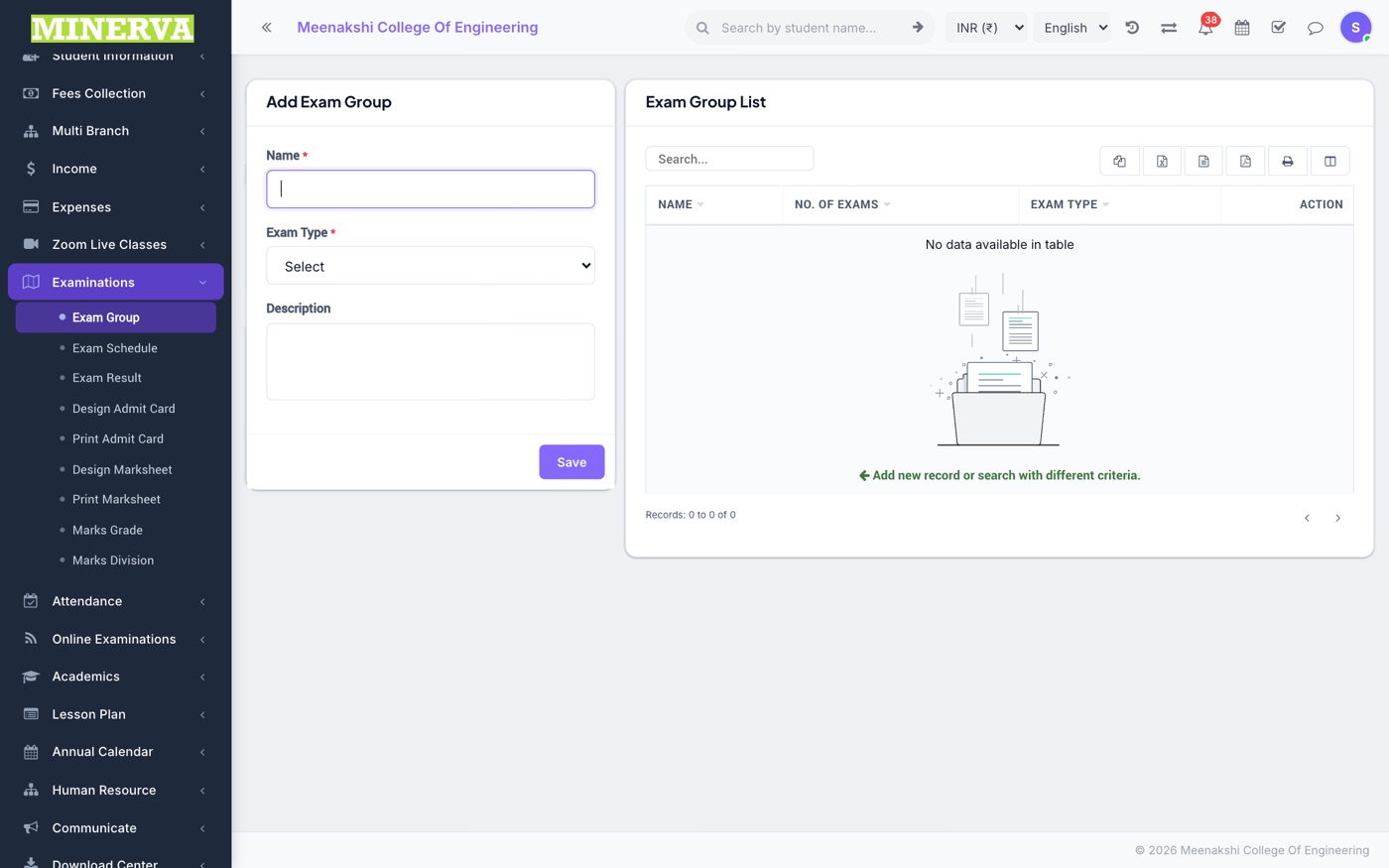
Exam Group
Exams are organised in groups (e.g. Internal Assessment 1) with an exam type that decides how results compute.
- Create a group, then add an exam inside it: class, subjects, dates, and maximum/minimum marks per subject.
- Assign students to the exam, then enter marks per subject.
- Connect multiple exams with weightages to blend them into a combined result.
Exam Schedule
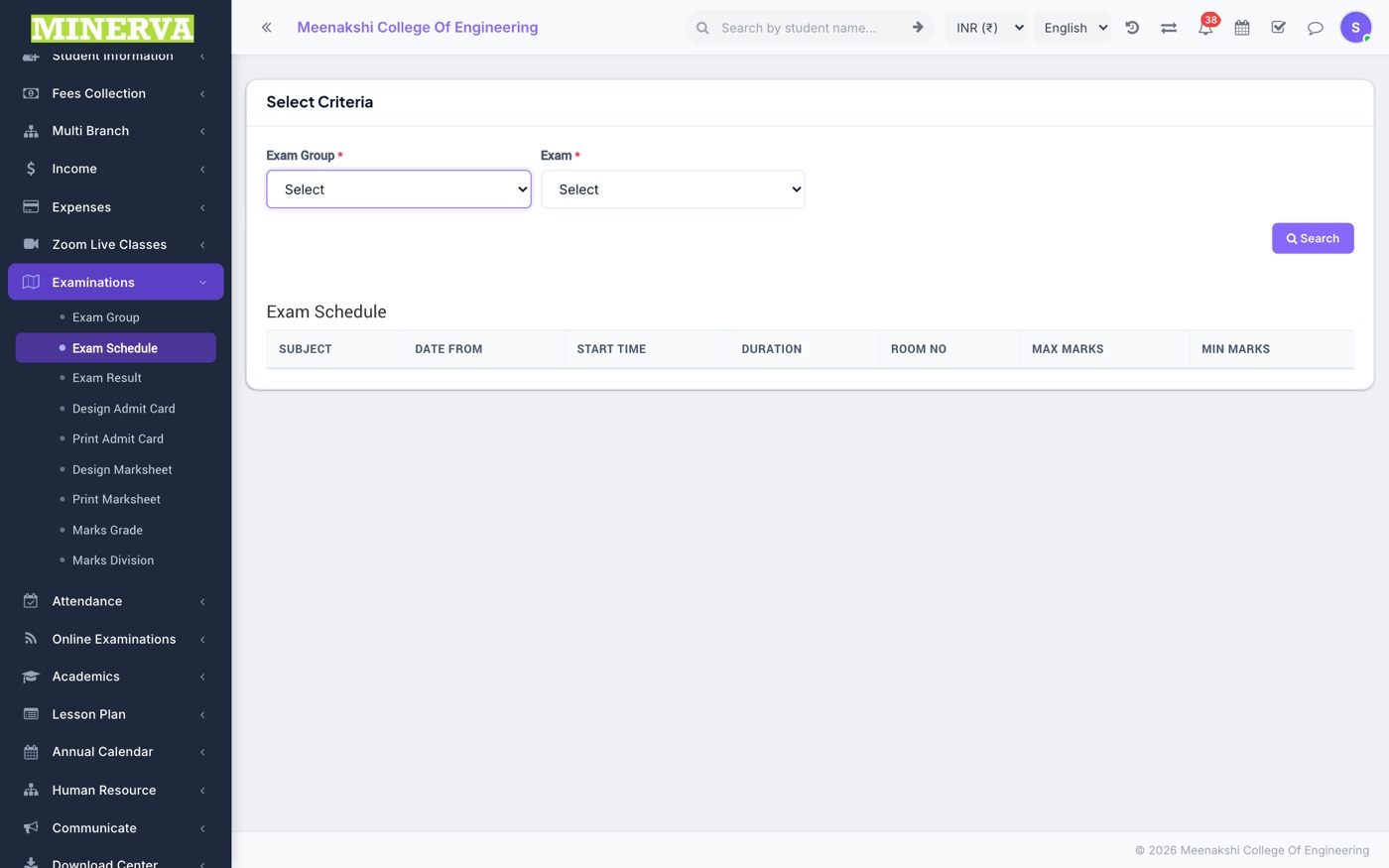
Read-only view of any exam's subject-wise dates, times, and rooms.
Exam Result
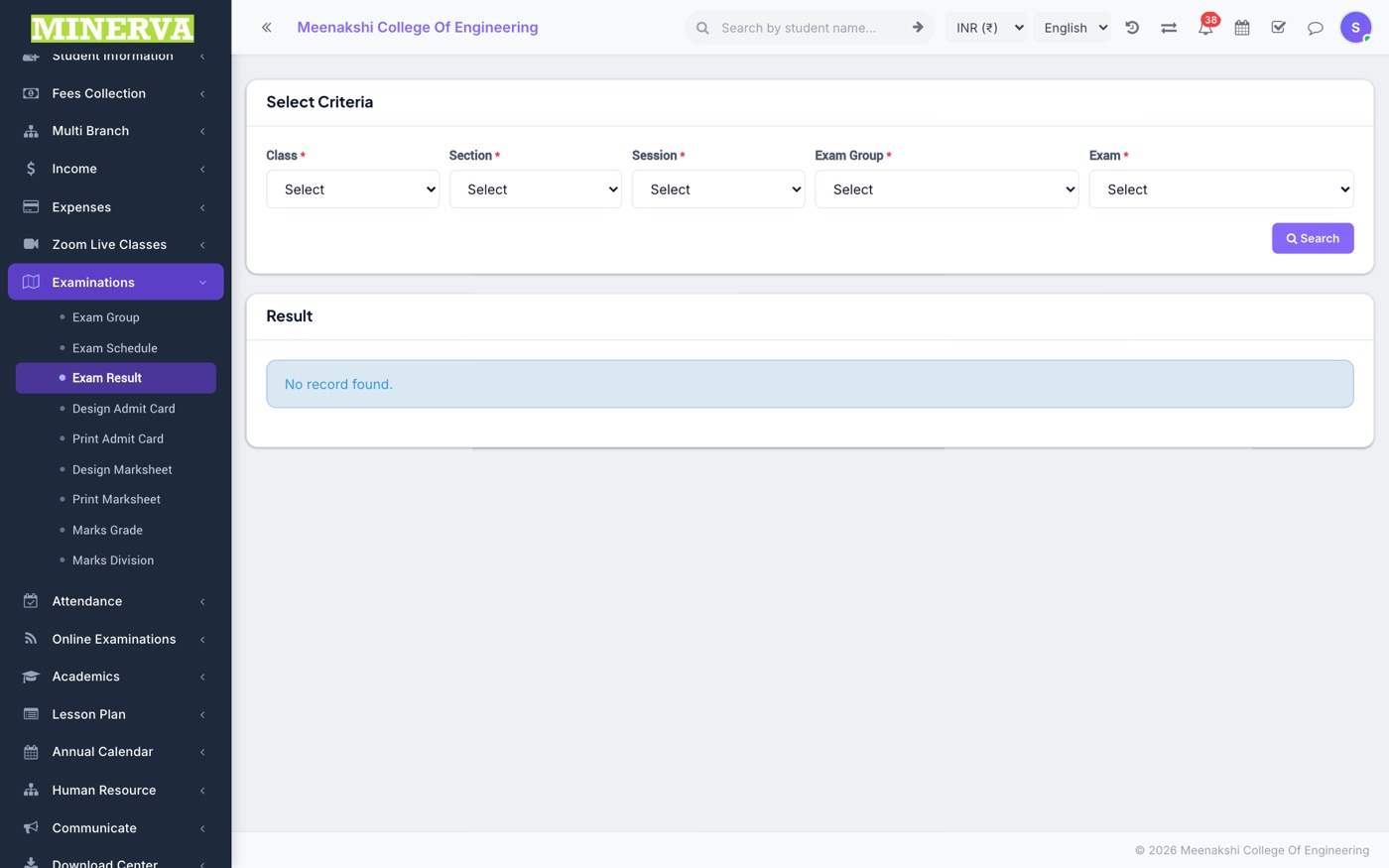
Per-student results with totals, percentage, rank, and pass/fail per the grade rules.
Admit Card — Design & Print
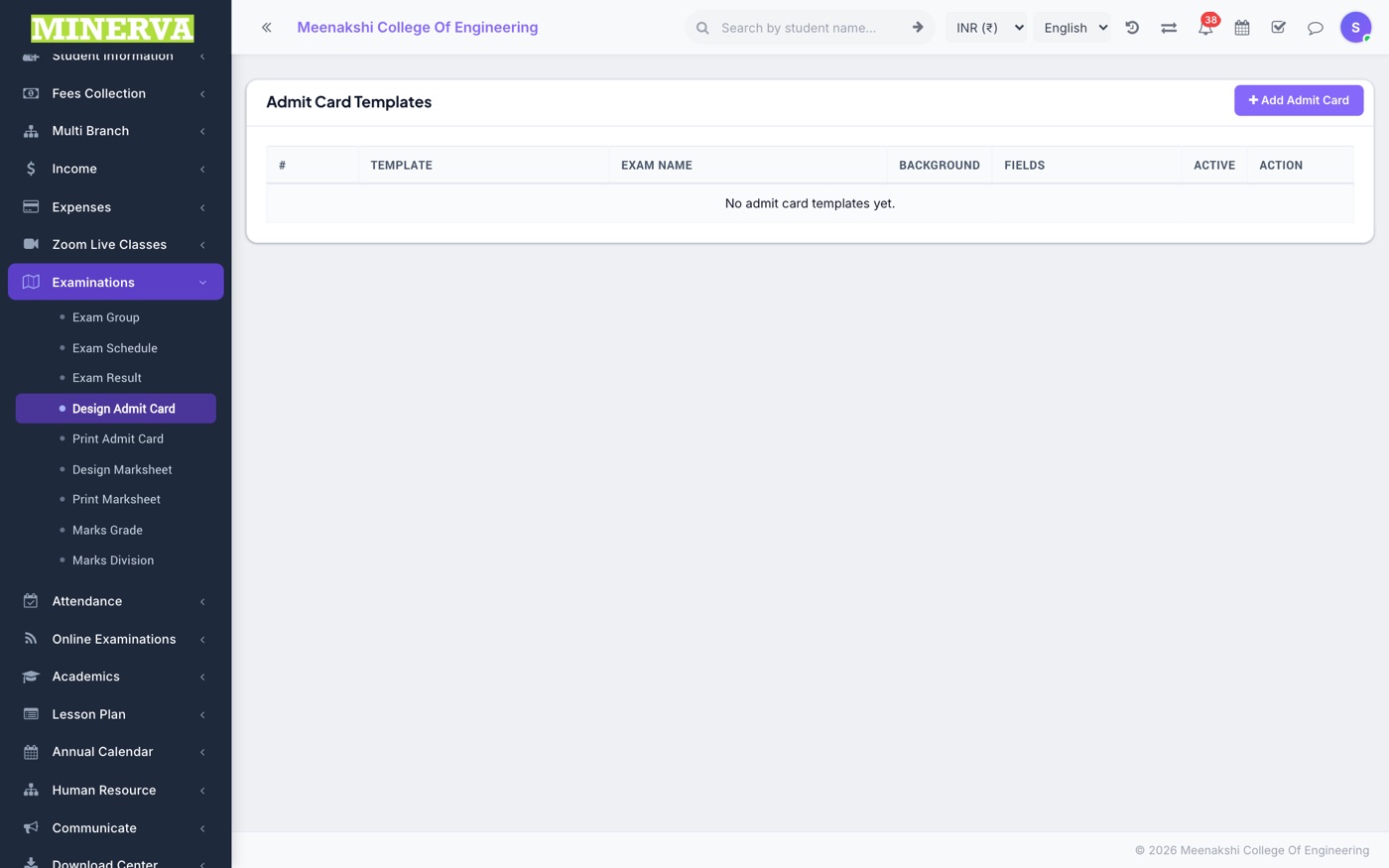
Design the admit card template (logos, fields to show) and print cards for any exam's students.
Marksheet — Design & Print
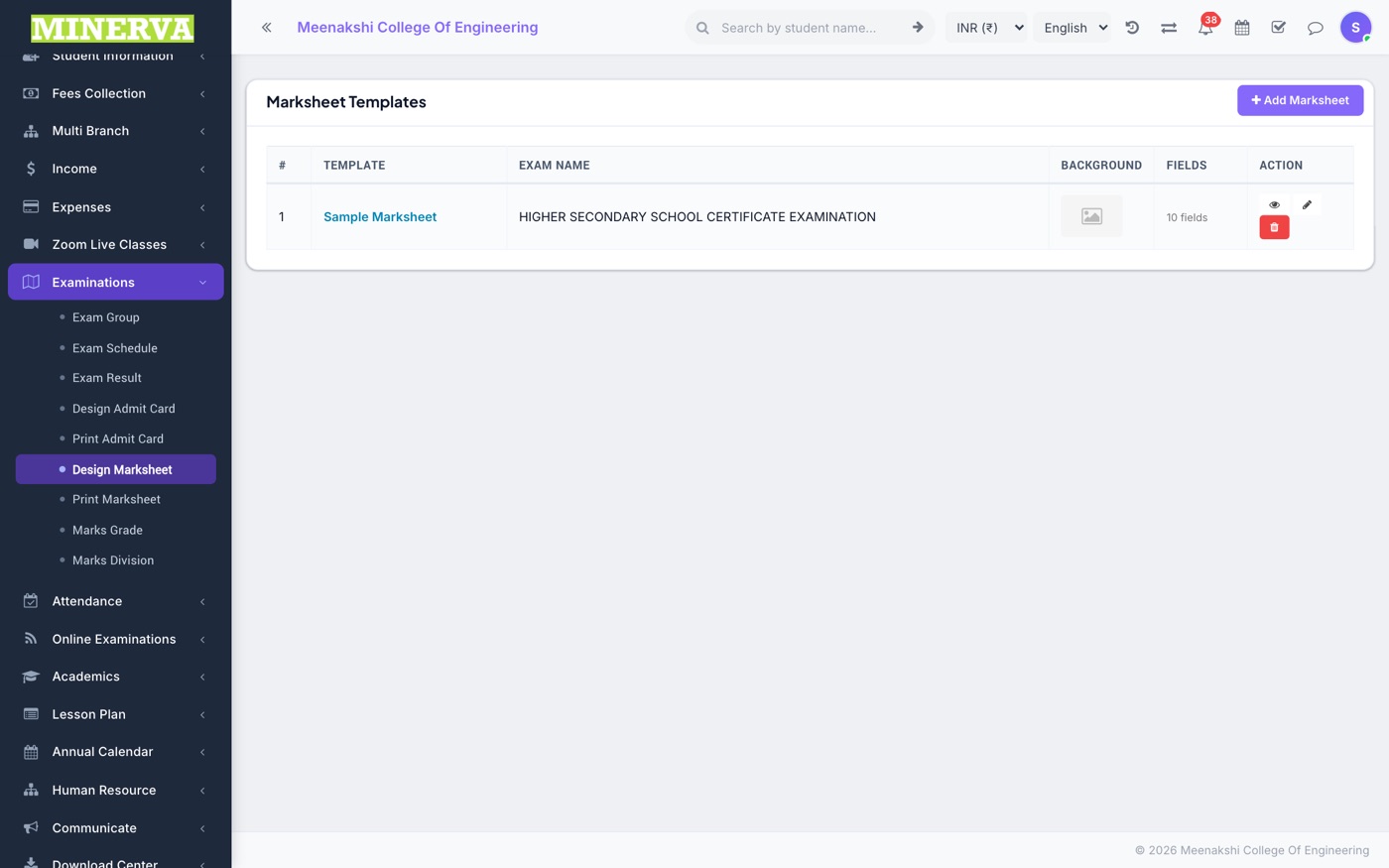
Design the marksheet template and generate marksheets — print, download as PDF, or email.
Marks Grade & Division
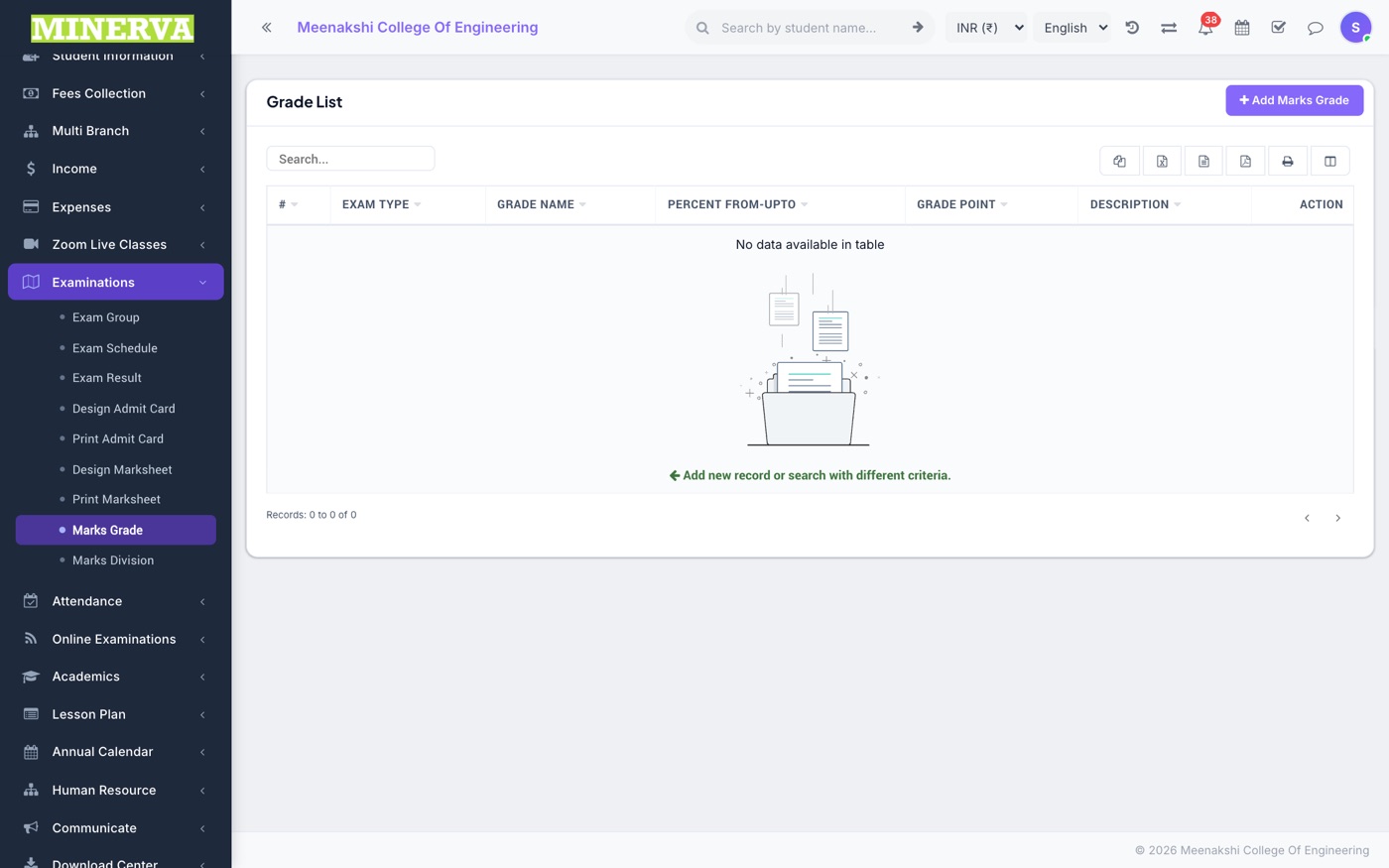
Grade bands (A/B/C… per exam type) and divisions (First/Second/Third) used when computing results.