Minerva · Staff Manual
Library
Catalogue, members, and circulation — including barcode-based check-in/check-out.
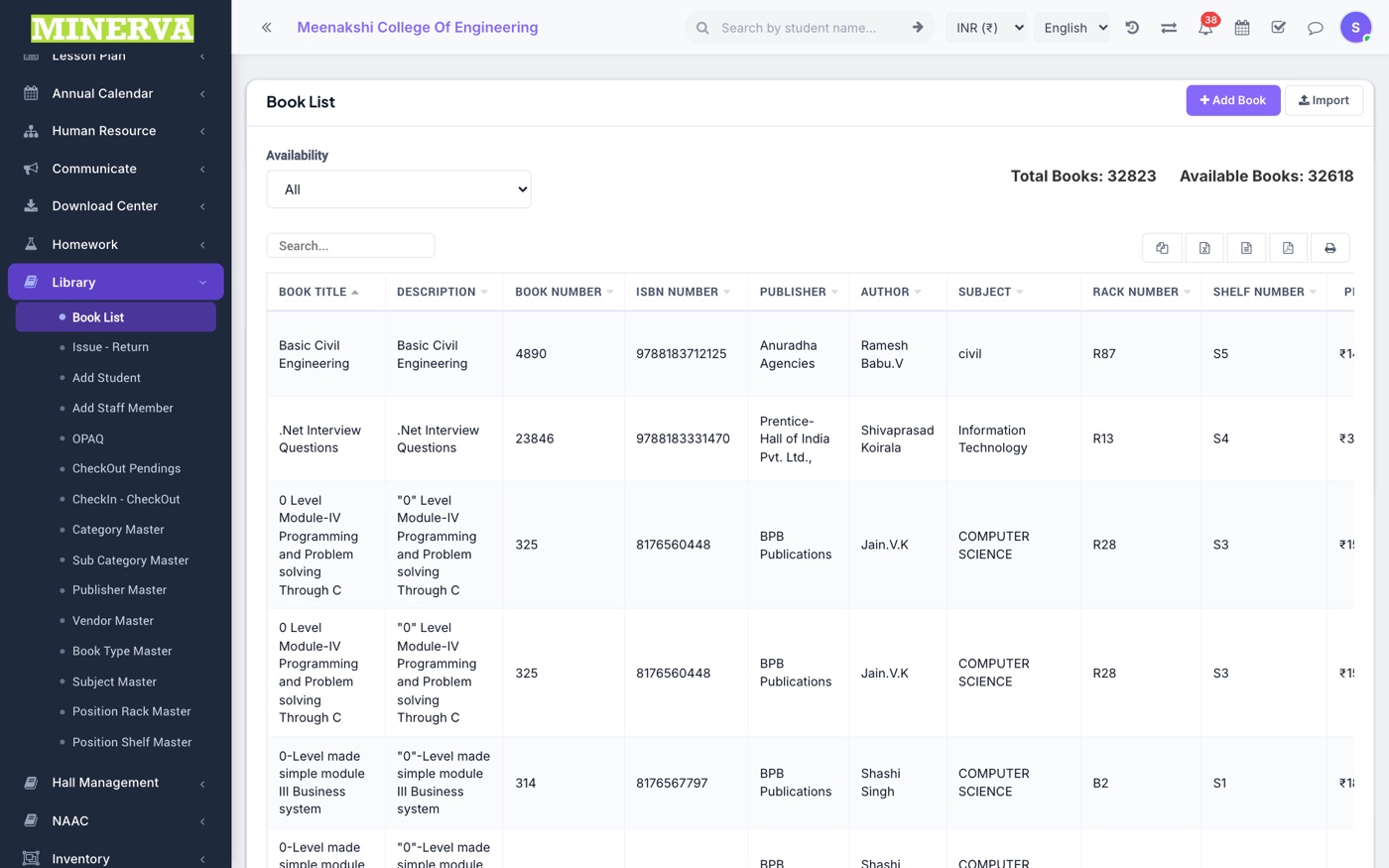
Book List
The catalogue with title, author, rack/shelf, and availability.
- Press + Add Book with ISBN, category, rack details, and quantity; import in bulk via CSV.
- Edit or delete from row actions.
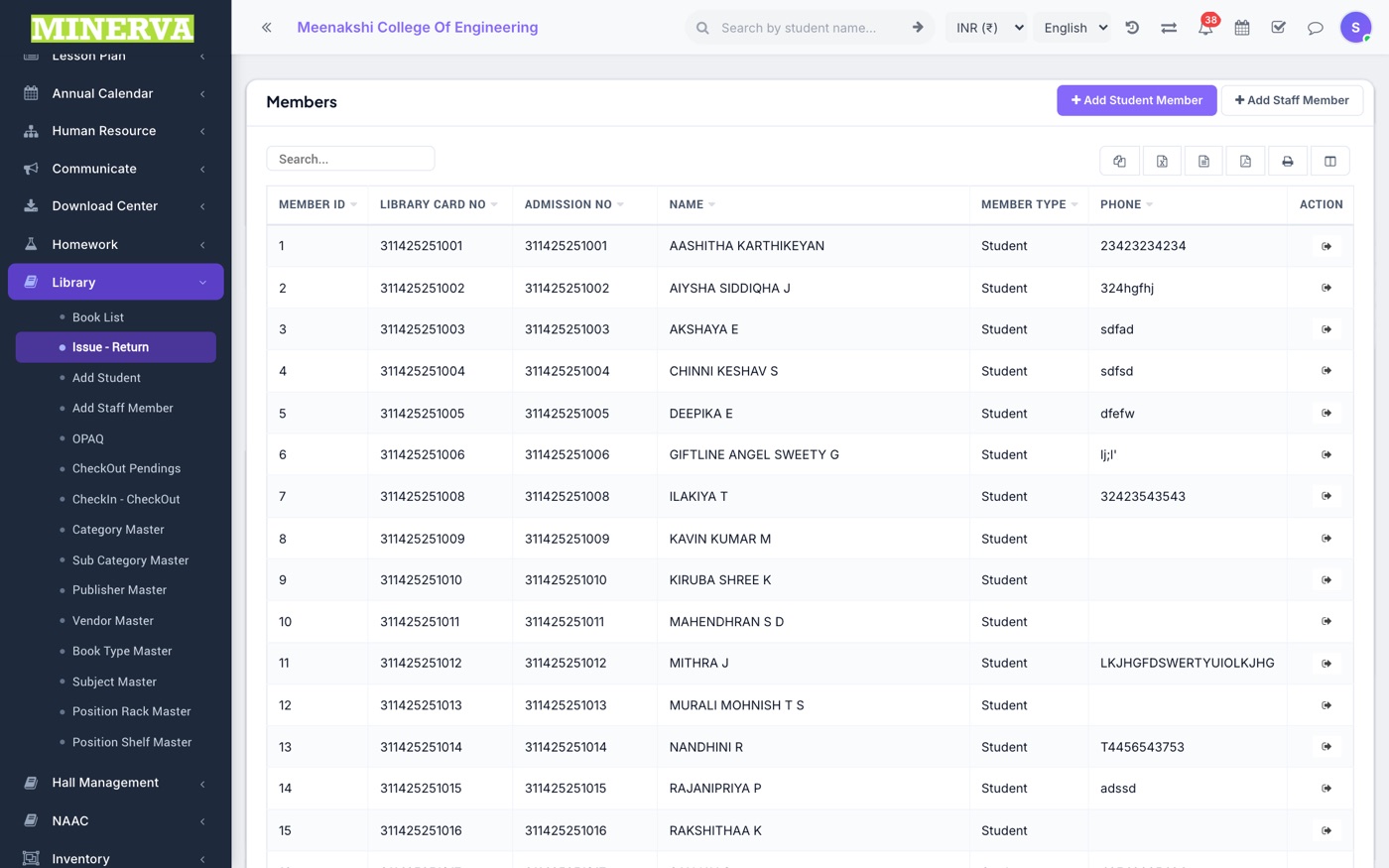
Members
Library members: add students (by class) and staff as members with card numbers.
Issue / Return & CheckIn–CheckOut
Circulation desk.
- Open a member (or scan their card) to issue a book with a due date, or return one.
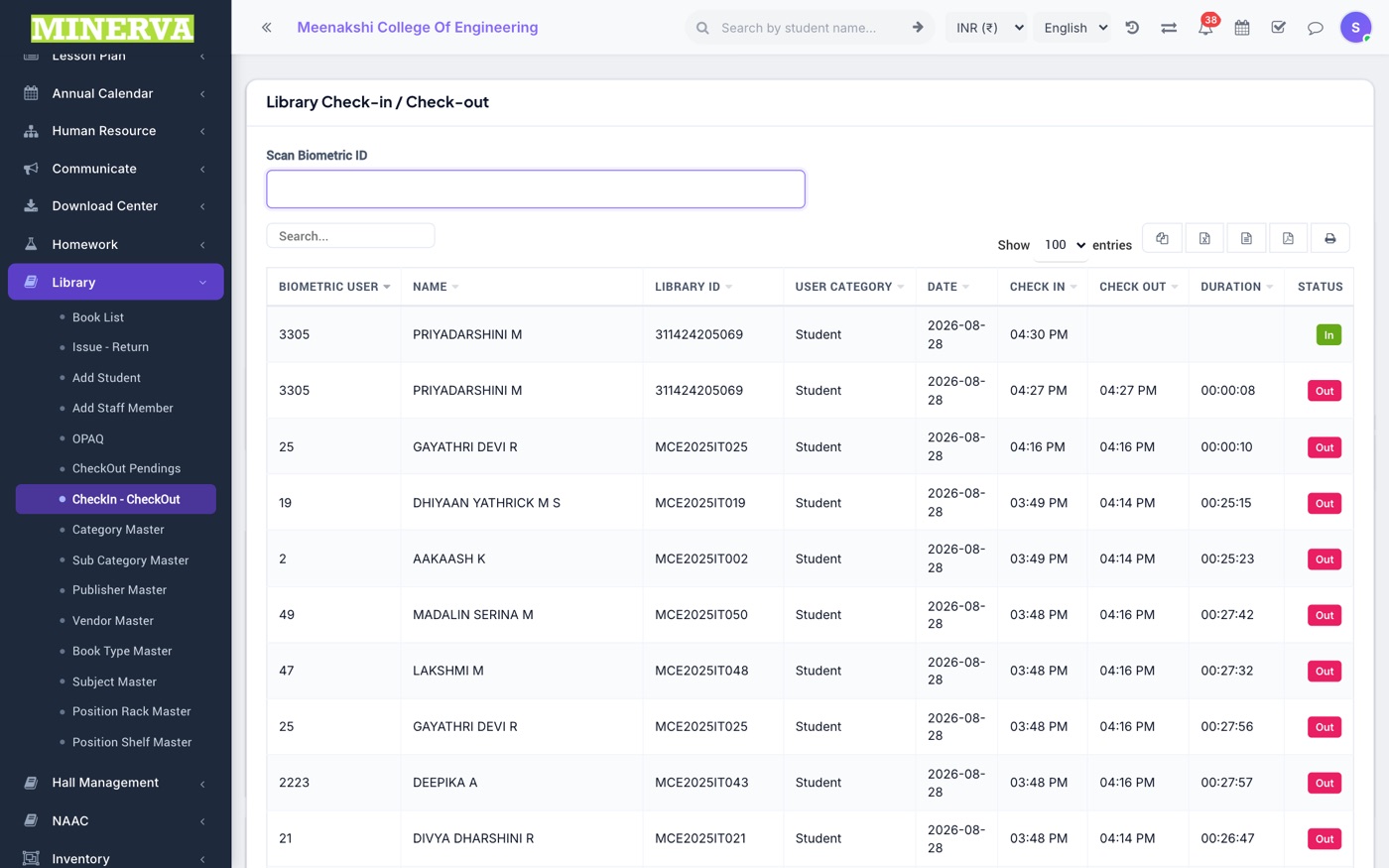
- CheckIn–CheckOut is the barcode-first flow; Checkout Pendings lists overdue items.
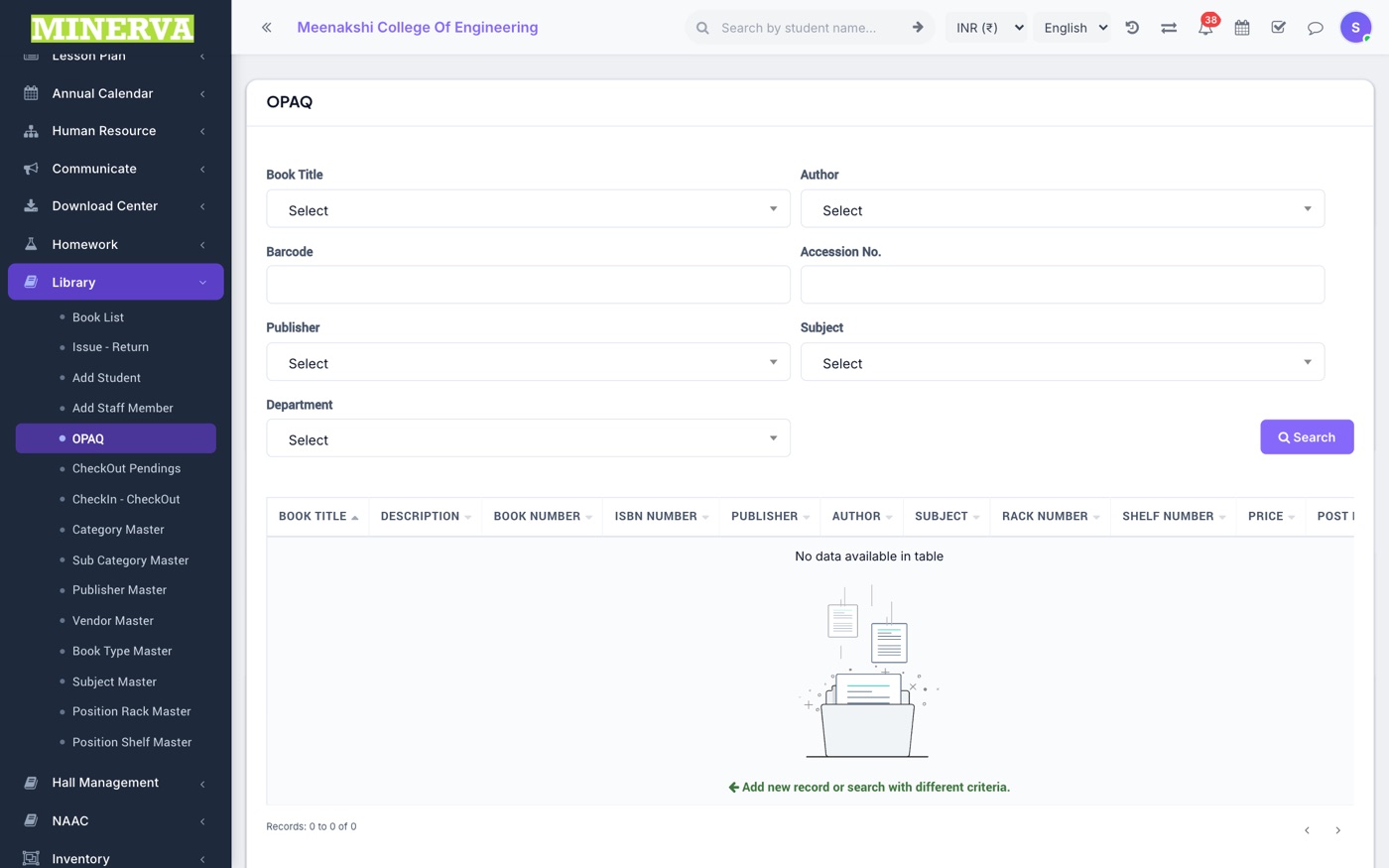
OPAQ
The public catalogue search (Online Public Access) students use to find a book and its rack.
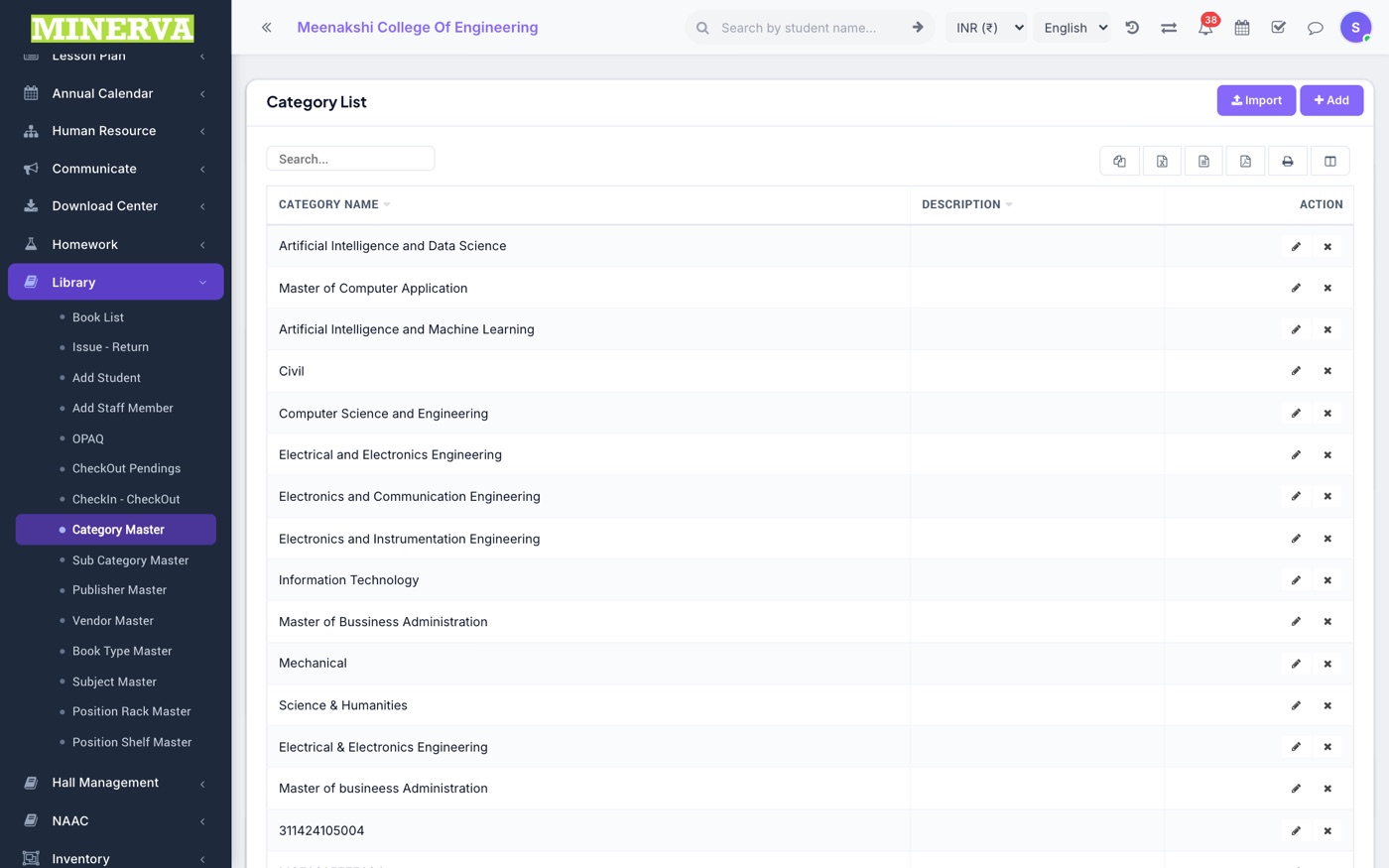
Masters
Category, sub-category, publisher, vendor, book type, subject, rack and shelf masters — add/edit/delete lists that keep the catalogue tidy.